
 Last Update: October 7, 2026

Product Requirements
- Phox Templates module 2.4.5 or later
- Phox WHMCS theme active on your client area
- WHMCS 9.0.8 or later
- PHP 8.2 or later
- An active licence for the Support Hours extension
Before You Start
- Confirm the new extension version supports your current Phox Templates module version.
- We recommend backing up your WHMCS files and database.
- Your working hours, holidays and settings are kept during the update.
Download Latest Files
- Log in to your client portal account.
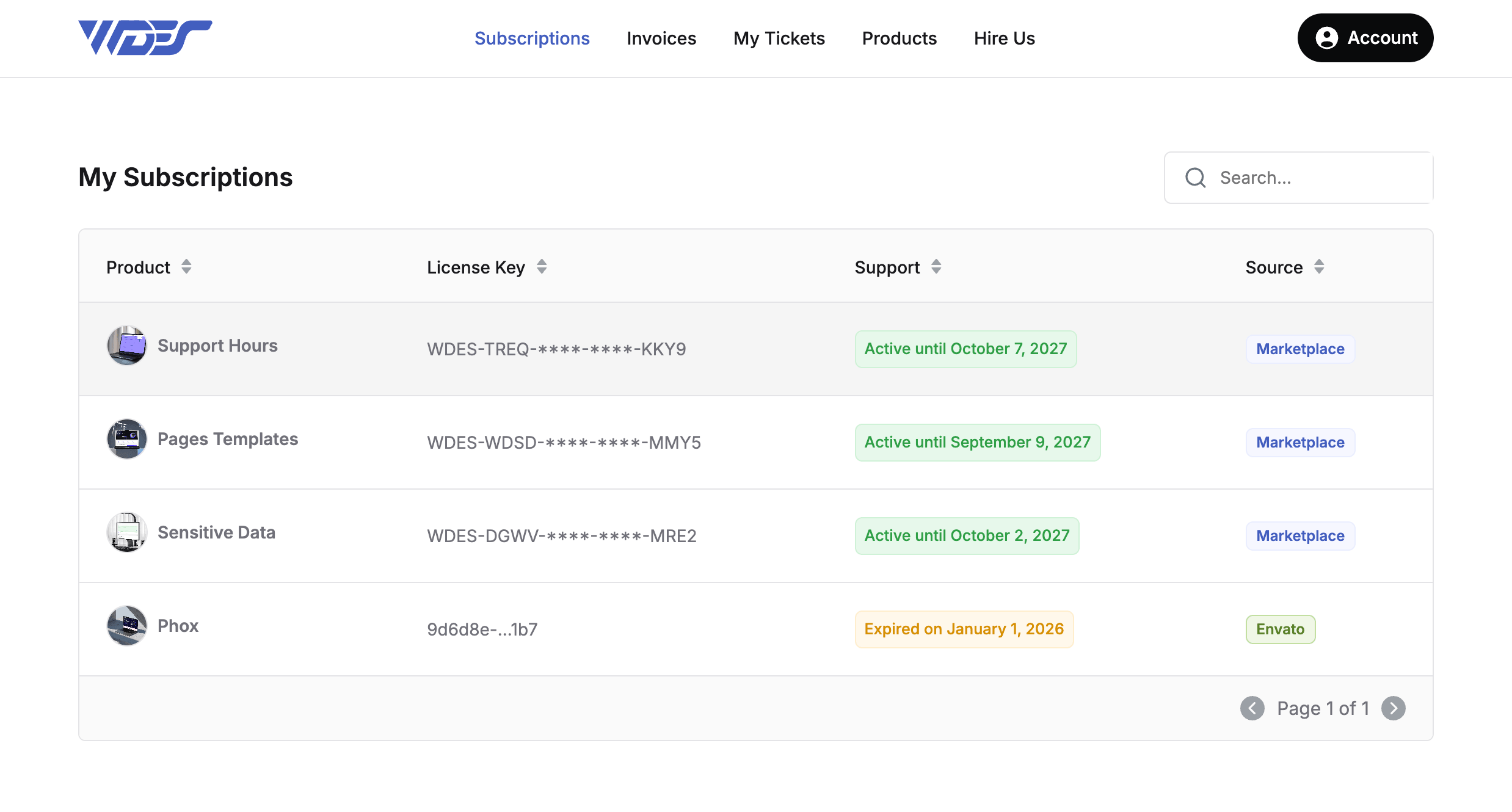
- Go to Subscriptions.
- Open the Support Hours product.
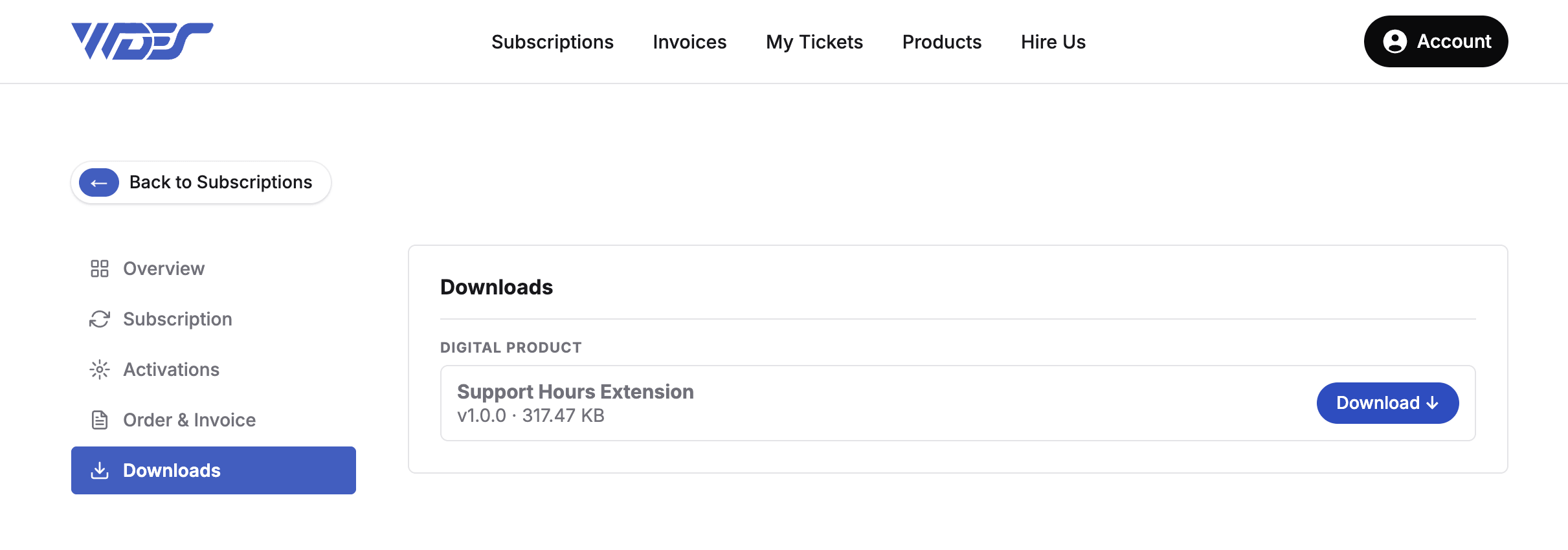
- Click the Download button on the product page.
Upload Files
- Extract the downloaded .zip file.
- Using FTP, upload the extracted
support-hoursfolder toWHMCS > modules > addons > phox_templates > extensions, replacing the existing files.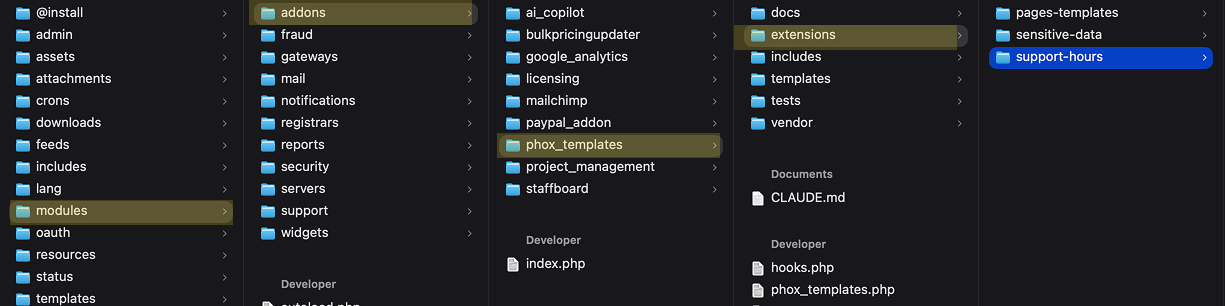
- Make sure all files uploaded without errors.
Clear Cache
- Clear your browser cache and any server cache (for example, Cloudflare).
- In the WHMCS admin area, go to Utilities > System > System Cleanup, then click Empty Template Cache.
The extension is now updated to the latest version.