
 Last Update: October 1, 2026

Client Area
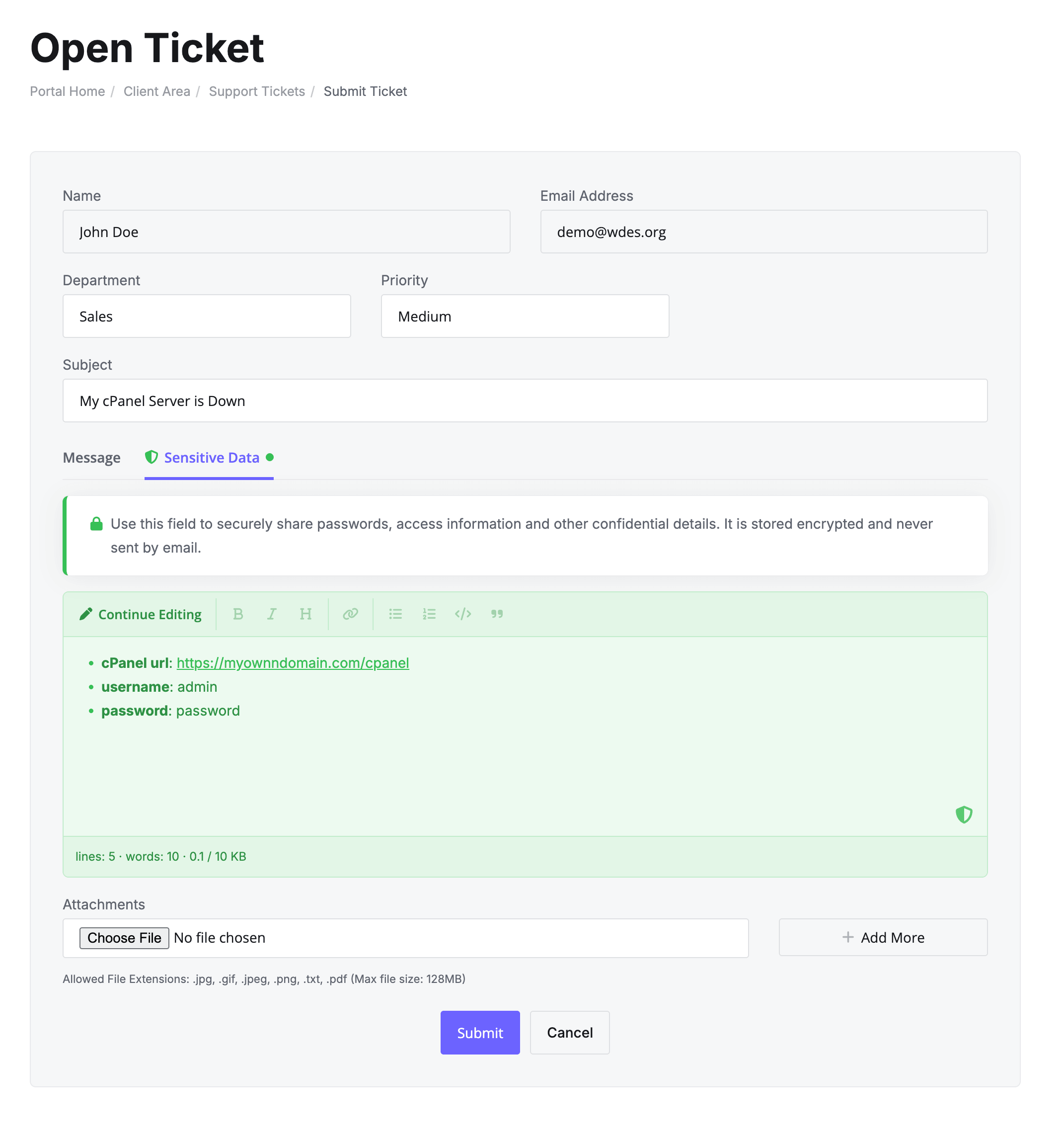
- Open a ticket. In the departments you enabled, the client sees two tabs: Message and Sensitive Data. The client writes the private details in the Sensitive Data tab. It has a simple text editor with a preview, up to 10 KB. The entry is saved when the ticket is submitted.
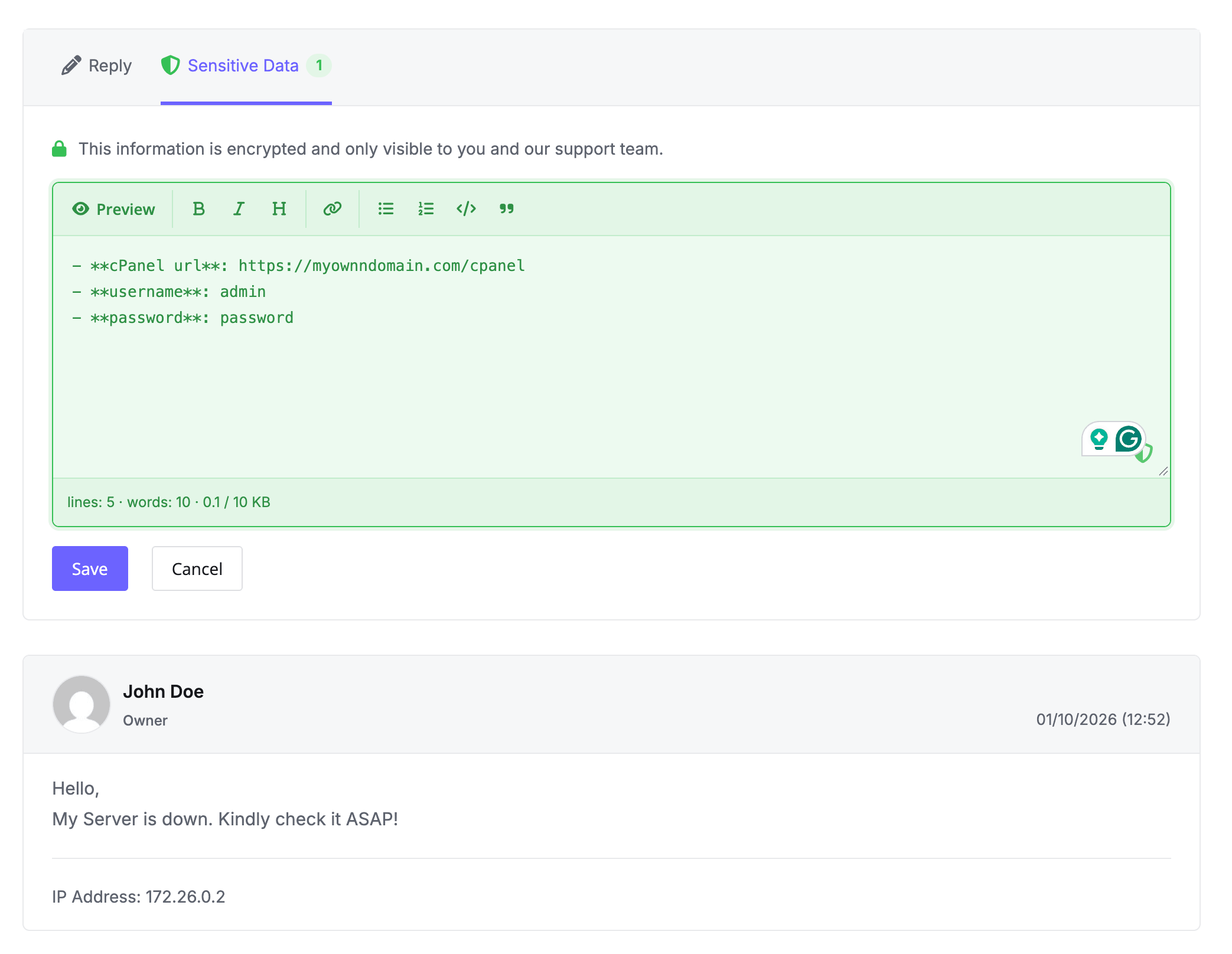
- View a ticket. The client can see their saved entry, edit it, or add one if the ticket has none. If you allow it, they can also remove it.
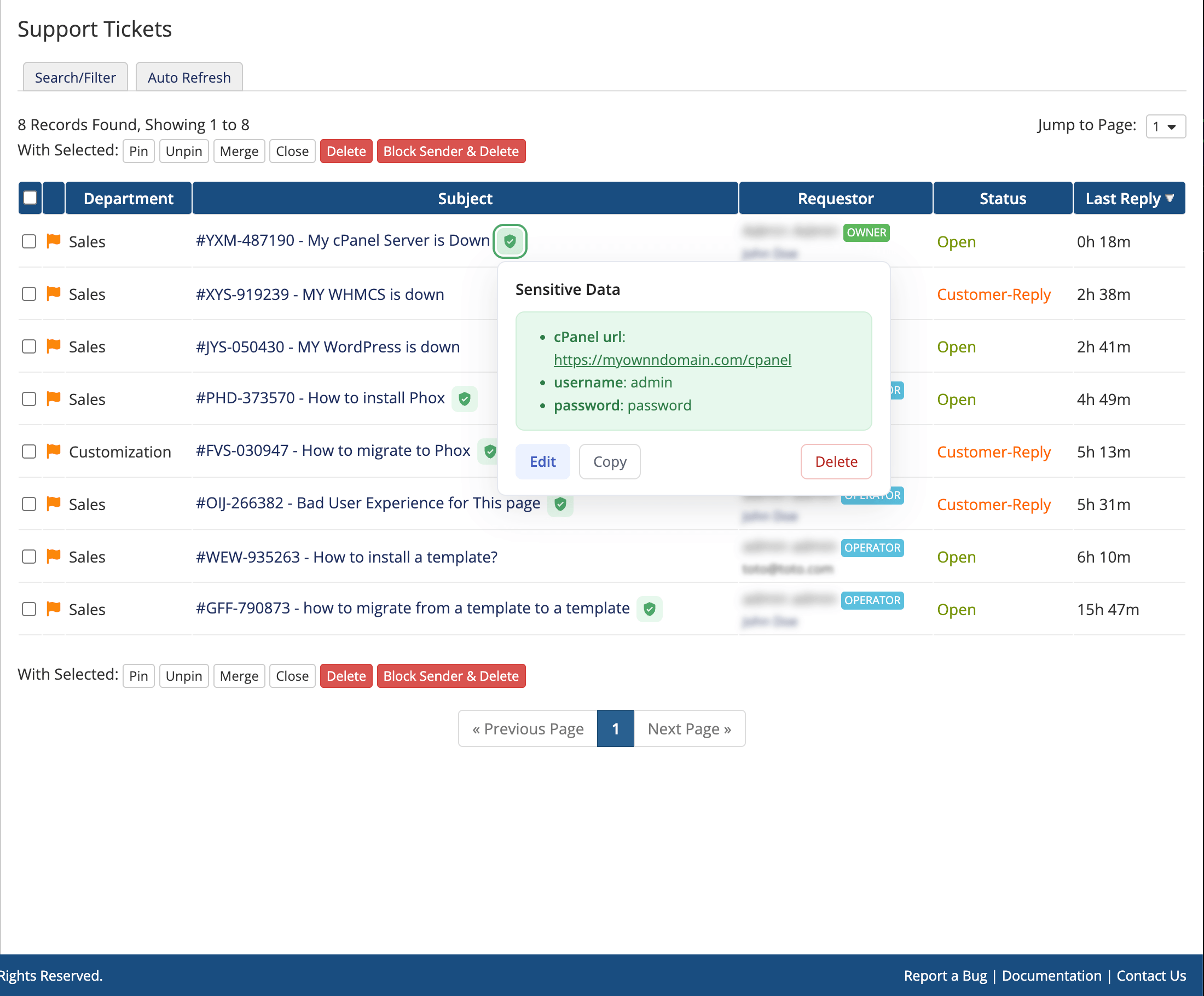
- Ticket list. A green shield icon shows which tickets have sensitive data.
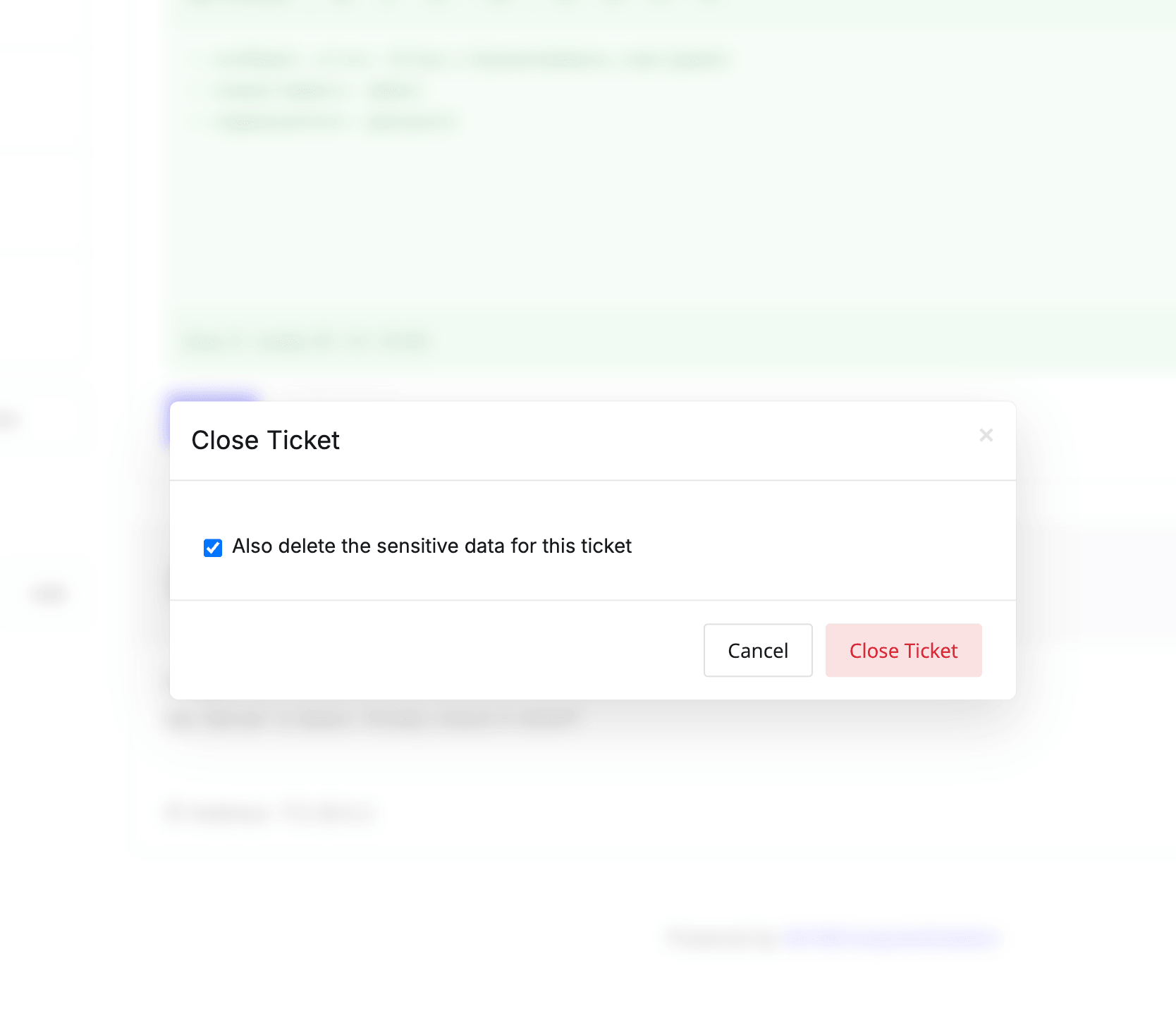
- Close a ticket. If the close mode is set to Ask the customer, the client can choose to delete the entry when closing the ticket.
Admin Area
- Ticket view. A Sensitive Data panel appears on the ticket page. Click Show to see the entry and Copy to copy it. Manage admins can also add, edit and remove it.
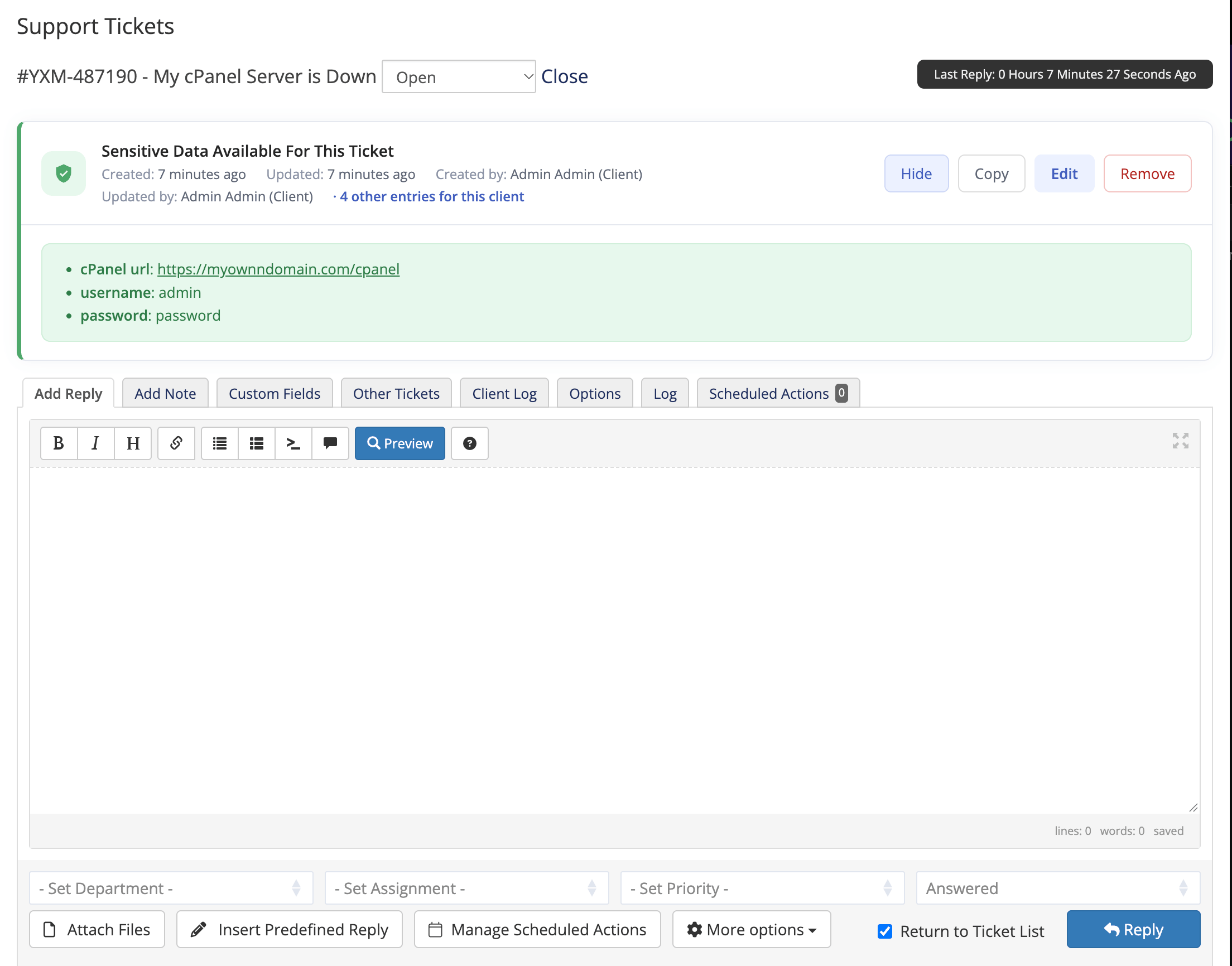
- Ticket list. A shield icon appears next to tickets with sensitive data. Click it to see and copy the entry quickly.
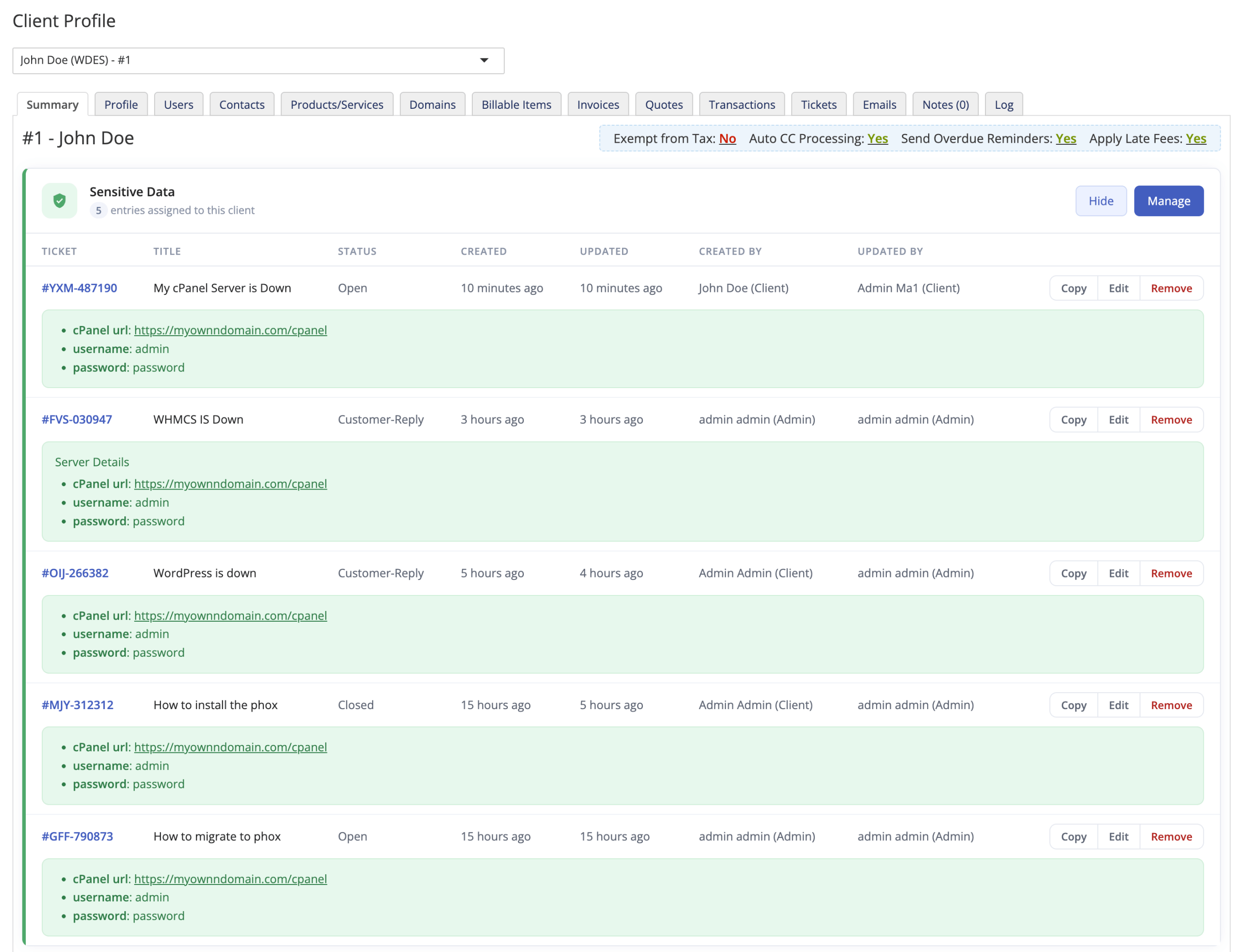
- Client list and client profile. An indicator shows which clients have saved entries.
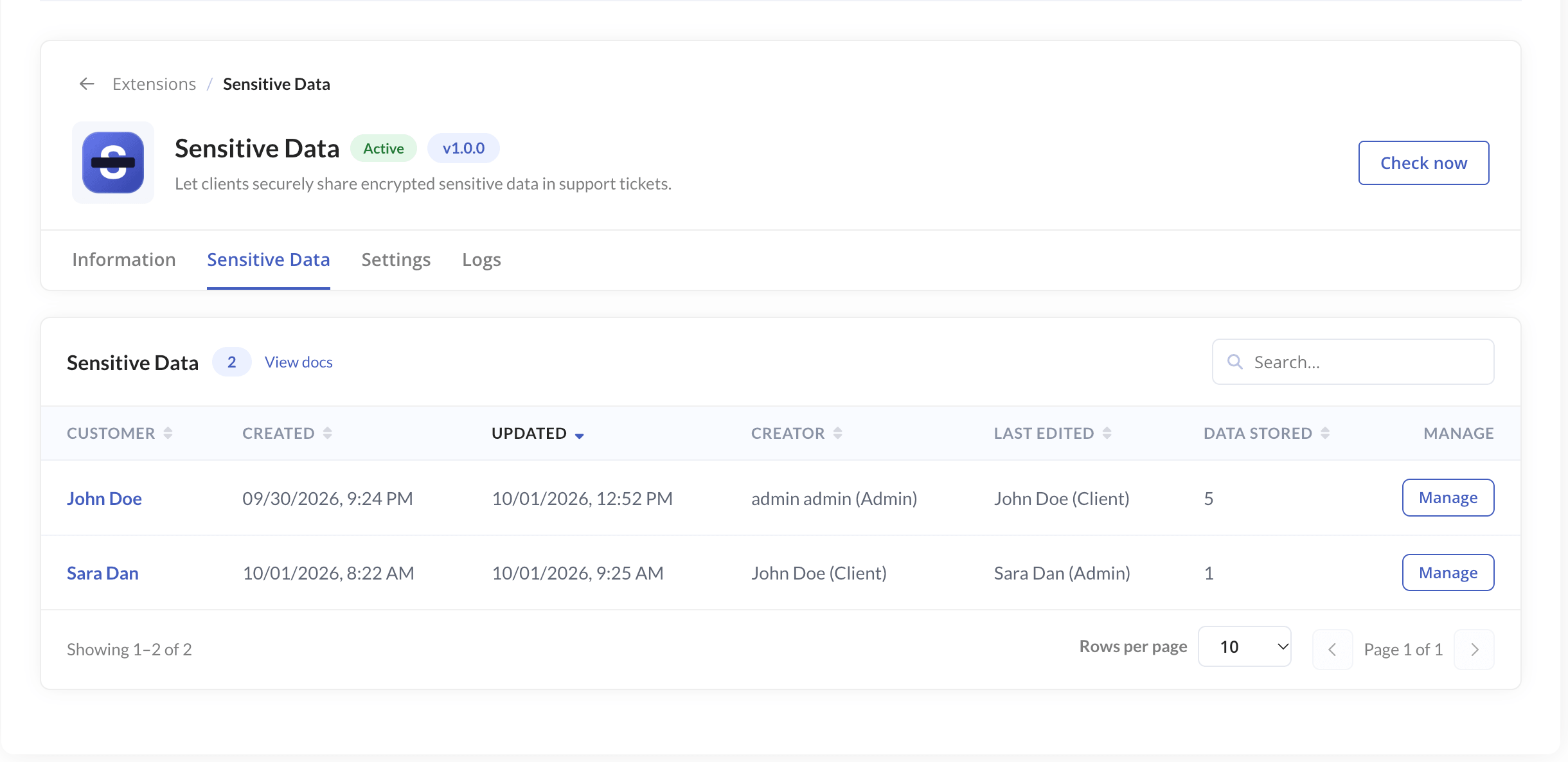
- Extension page. Manage admins can open Addons > Phox WHMCS Templates > Extensions > Sensitive Data to see all clients with entries, edit or delete entries, and check the Logs. The logs show who viewed, copied, edited or deleted an entry and when.
Deleting an entry is permanent and cannot be undone.