
 Last Update: October 10, 2026

Product Requirements
- Phox Templates module 2.4.7 or later
- Phox WHMCS theme active on the client area
- WHMCS 9.0.9 or later
- PHP 8.2 or later
- An active Email Template extension license
Before You Start
- Check that the new extension version supports your Phox Templates module version.
- Back up your WHMCS files and database.
- Your active template, email type choices, applied messages, and settings are kept during the update.
Download Latest Files
- Log in to the client portal.
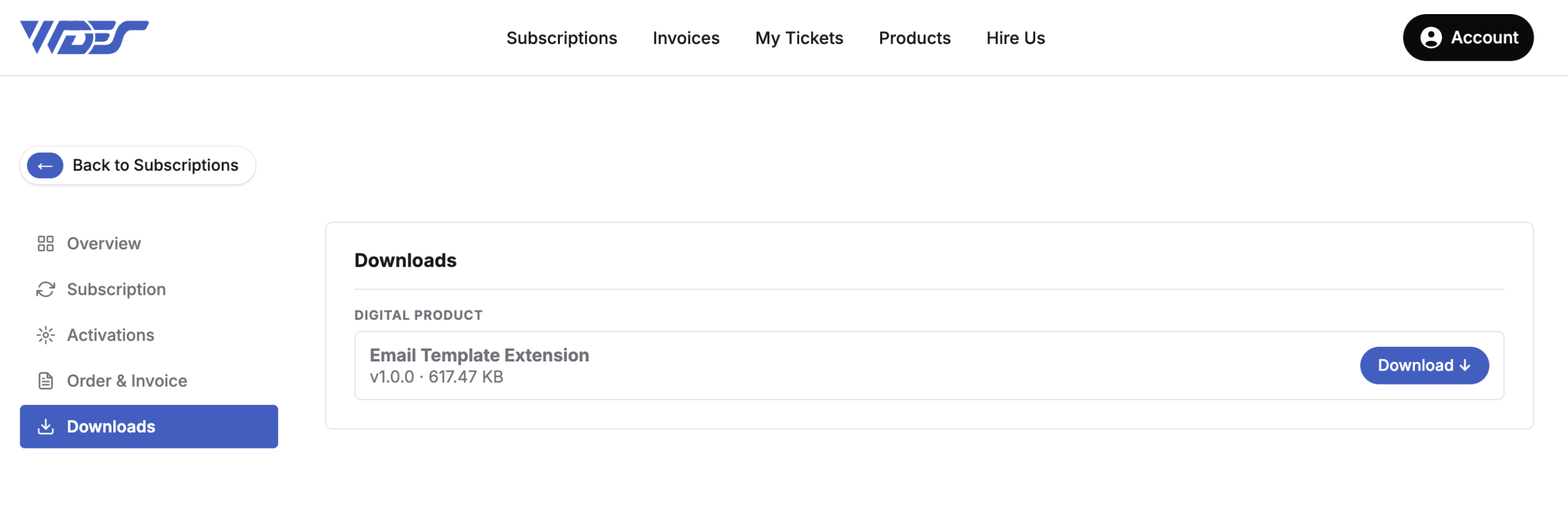
- Go to Subscriptions and open the Email Template product.
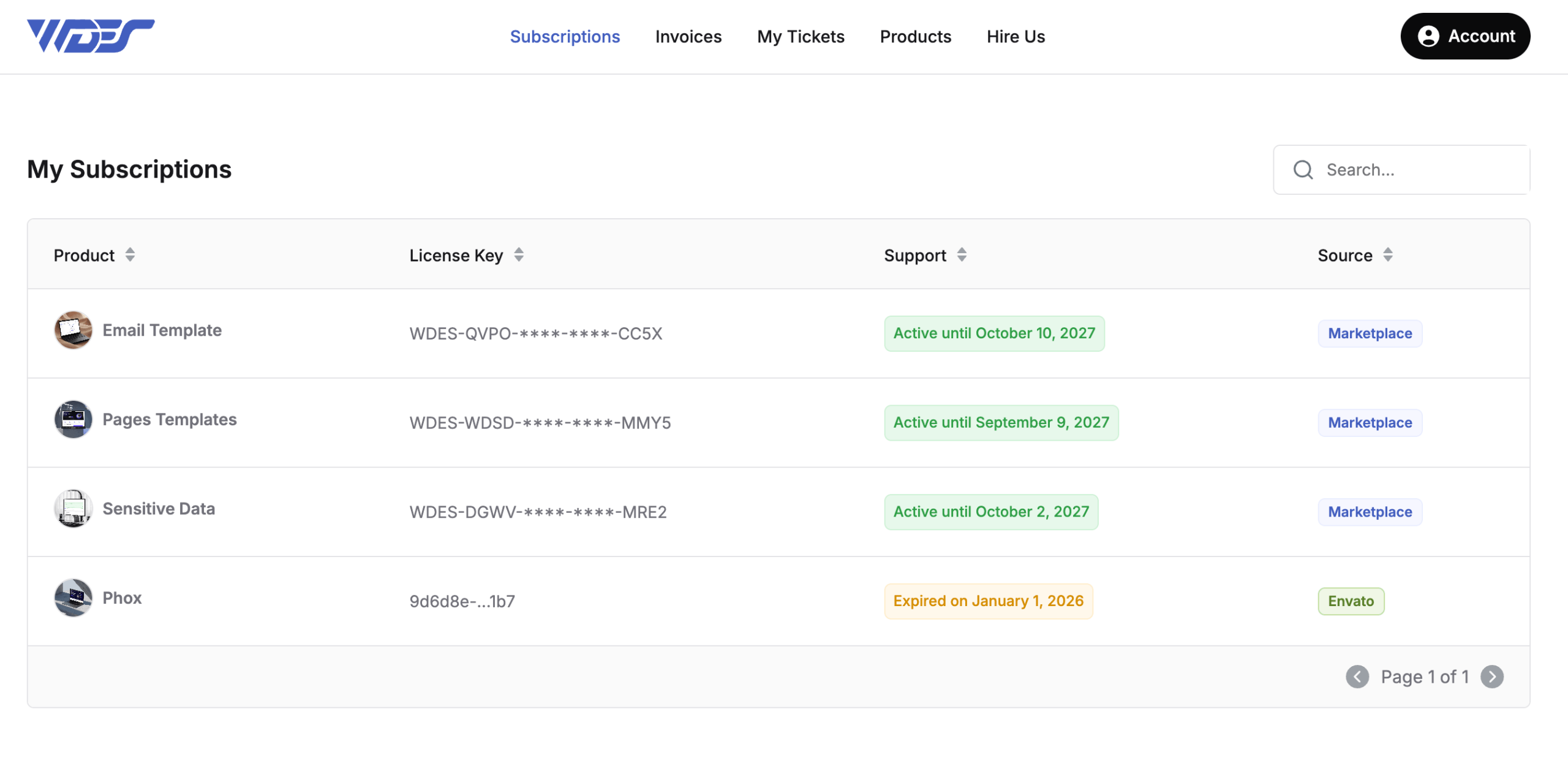
- Click Download.
Upload Files
- Extract the .zip file on your computer.
- Using FTP, upload the
email-templatefolder tomodules/addons/phox_templates/extensionsin your WHMCS installation, replacing the existing files.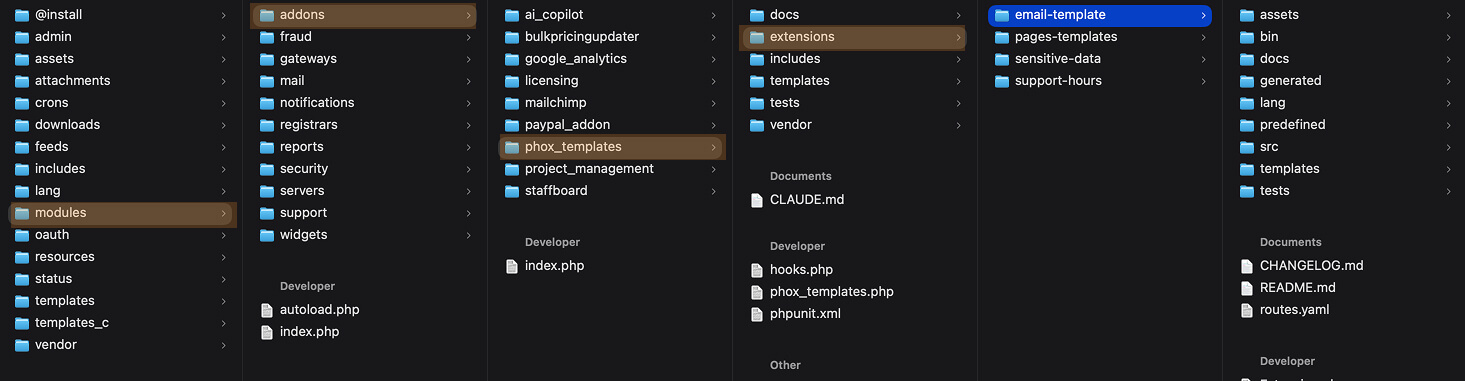
- Check that every file uploaded without errors.
Clear Cache
- Clear your browser cache and any server-side cache, such as Cloudflare.
- In the WHMCS admin area, go to Utilities > System > System Cleanup and click Empty Template Cache.
The extension is now updated to the latest version. Predefined messages show their own version, so check the Predefined Messages tab for updated messages after an update.