 Last Update: February 15, 2026
Logo
From Addons > Phox WHMCS Template > Branding Tab
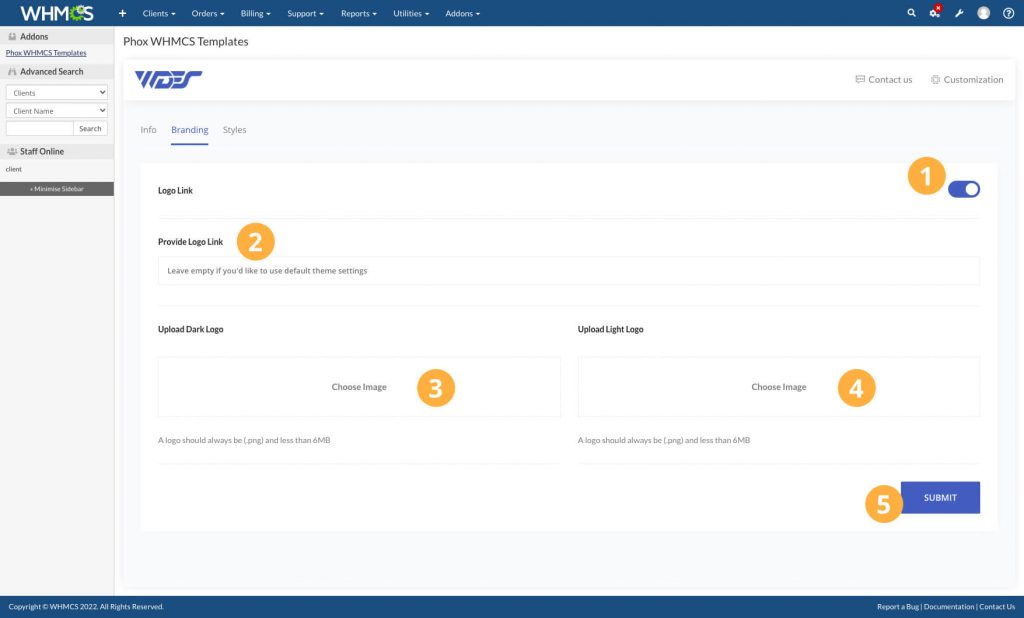
- Logo Link – enable this switch to add a custom link for the logo
- Provide Logo Link – if you want to use a custom link for the logo, you can type it on this field. (Leave empty if you’d like to use default theme settings)
- Upload Dark Logo – upload the dark version of your logo (A logo should always be (.png) and less than 6MB)
- Upload Light Logo – upload the light version of your logo (A logo should always be (.png) and less than 6MB)
Favicon
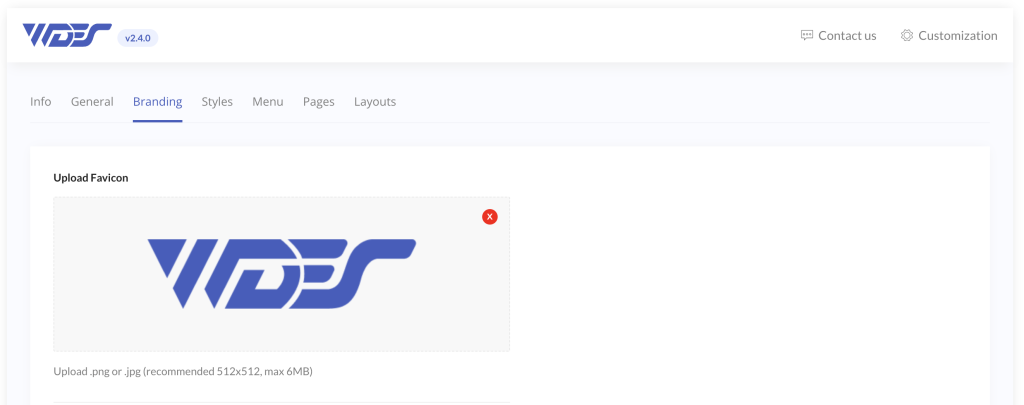
A favicon image is required to create all the necessary icon sizes used across various places, such as browser tabs, history lists, toolbar shortcuts, bookmarks, search results, and more.
The uploaded image must be square and at least 512×512 pixels in size. PNG or JPG formats are recommended for best results.
Phox will automatically produce 17 different favicon sizes from your image